Is Your Physio Clinic on ChatGPT? How to Check and Fix It
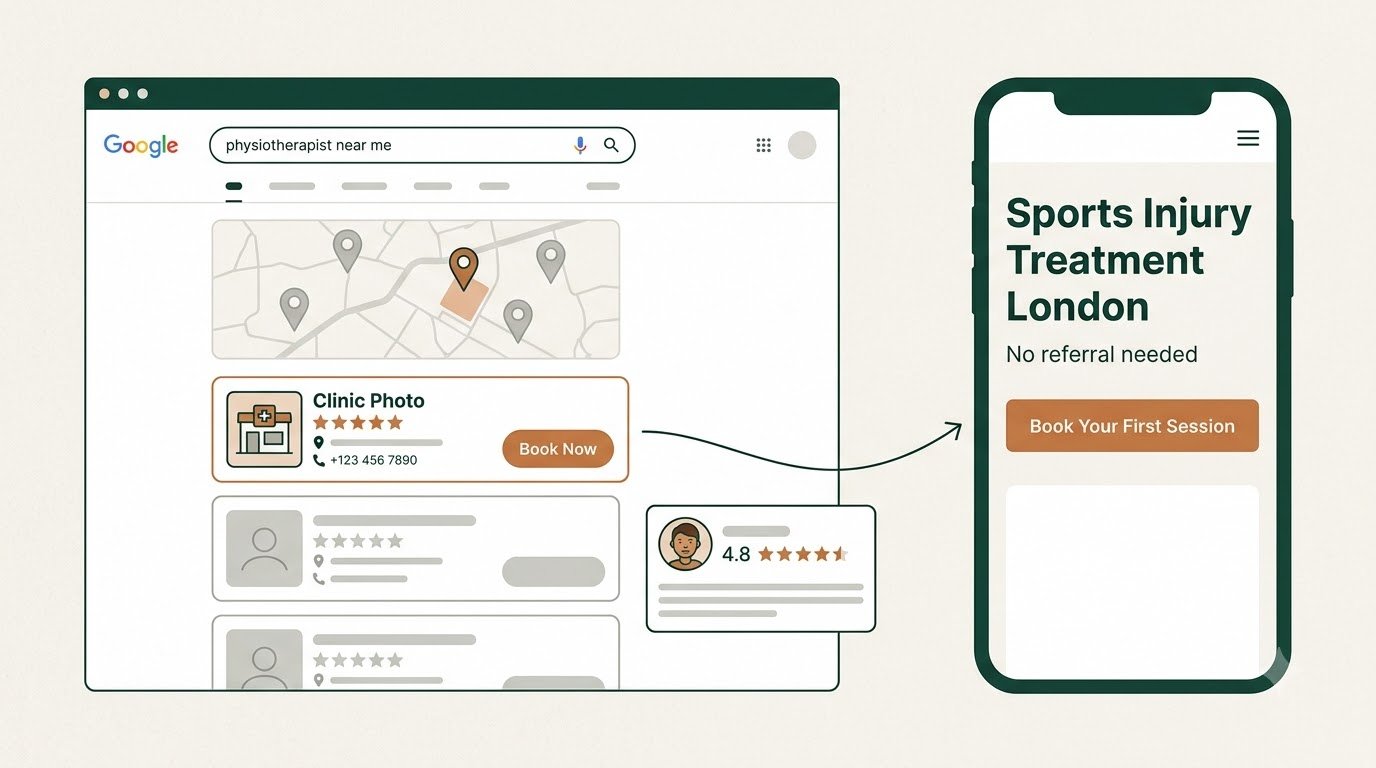
A patient with a sore shoulder doesn’t always start with Google anymore. More and more of them type a question into ChatGPT, Perplexity or Google’s AI answers: “Do I need a referral for physio?” or “Which physio near me treats running injuries?” The answer often names two or three clinics. The patient then calls the first one that sounds right.
If your clinic isn’t in that answer, you are missing a booking you never hear about. Nobody leaves a review saying “ChatGPT sent me to someone else.”
This guide shows you how to check whether your clinic appears, why it might not, and what to change. None of it requires technical skills, and most of it is work you can start this week.
Why AI tools pick some clinics and skip others
AI assistants do not browse the web the way a patient does. They assemble an answer from pages they can read and understand, and they favour pages that answer a specific question clearly, from a source that looks trustworthy.
In practice, the clinics that show up tend to have:
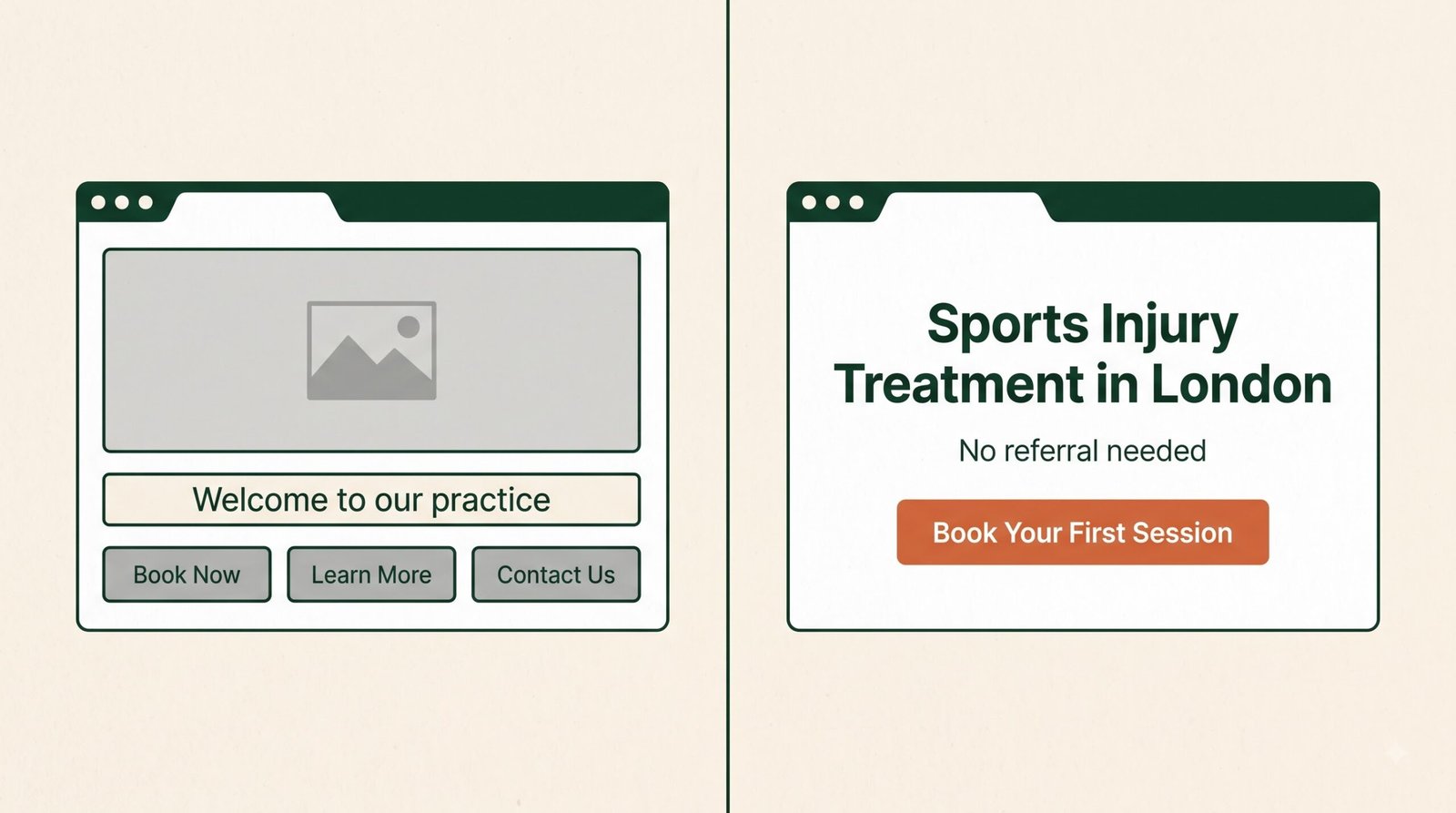
- A clear service page for each thing they treat, such as “physiotherapy for lower back pain” or “physio for a running injury”, rather than one generic services page
- Named clinicians with credentials, so the answer can point to a person, not just a logo
- Plain-language answers to common questions, such as whether a referral is needed or what a first session involves
- Consistent details everywhere: the same name, address and phone number on the website, the Google Business Profile and online directories
- Recent, specific patient reviews that mention what was treated
Clinics that are missing from these answers usually have one or more of these gaps: a single vague services page, no named team, no FAQ, and a Google Business Profile that is incomplete or out of date.
How to check if your clinic is showing up
This takes about 20 minutes. Do it on a phone, since that is how most patients ask.
Step 1: Write down five questions a real patient would ask. Use your town or area and the conditions you treat most. For example:
- “Physio near [your town] for a running injury”
- “Do I need a referral for physiotherapy in [your town]?”
- “Best physio for sciatica in [your town]”
- “Which physio in [your town] takes direct appointments?”
- “Physiotherapy clinics in [your town] with good reviews”
Step 2: Ask each question in at least two tools. Try ChatGPT, Perplexity and Google’s AI answers if they show for your search. Run each question twice, since answers can change between runs.
Step 3: Record what happens. For each answer, note:
- Is your clinic named?
- If it is named, where does it appear in the list?
- Which competitors are named instead?
- Does the answer link to a source, and is that source your site, a directory or a review platform?
Step 4: Repeat once a month. AI answers change. One check tells you where you stand today. A monthly check tells you whether your changes are working.
If your clinic appears for most questions, you are in a good place. If it appears for none, the fixes below are where to start.
How to fix it
You do not need to fix everything at once. Start with the items that are most likely to be missing for your clinic.
1. Give every treatment its own page
A single “services” page is hard for an AI tool to match to a specific question. Create one page for each condition or treatment you want to be found for. Each page should say:
- What the condition is, in plain language
- What your treatment for it usually involves
- What a first appointment looks like
- How long recovery usually takes, described honestly, without guarantees
- Who treats it at your clinic, with a link to their profile
Start with the three conditions that bring in the most patients. You can add more later.
2. Name your clinicians and show their credentials
AI tools are more comfortable citing a named professional than an anonymous business. Add a short profile for each clinician that includes their name, qualifications, registration with your regulatory body, areas of special interest and years in practice. Use a real photo.
Only include credentials you can verify, and make sure the registration details match your regulator’s public register.
3. Answer the questions patients actually ask
Add a Frequently Asked Questions section to your key pages and to your homepage. Good questions include:
- Do I need a referral to see a physiotherapist?
- Can I book directly without seeing a doctor first?
- What should I wear to my appointment?
- How many sessions will I need?
- Do you treat [your most common condition]?
- Do you offer [any service patients ask about]?
Write the answers the way your receptionist would say them out loud. Keep each answer short and direct. Use the exact question as the heading, since that matches how patients phrase their searches.
4. Make your details consistent everywhere
Check that your clinic name, address and phone number are identical on:
If one of them uses “Ltd”, a different phone number, or an old address, fix it. Conflicting details make it harder for both search engines and AI tools to trust your information.
5. Complete your Google Business Profile
Your Google Business Profile is one of the sources AI tools lean on for local answers. Make sure it has:
- Correct categories, with your main service listed first
- Full opening hours, including holiday hours
- Photos of the clinic, the team and the treatment rooms
- A description that names the conditions you treat and the area you serve
- A reply to every recent review
6. Build review quality, not just review count
Ask satisfied patients to leave a review that mentions what they came in for. A review that says “Helped my knee recover after a half marathon” tells an AI tool far more than “Great service”. Respond to every review, positive or negative, with a short, professional reply.
7. Add structured data, if your website allows it
Structured data is a code layer that labels your clinic, clinicians and FAQs in a format machines can read easily. Many website builders and SEO plugins can add it with a few clicks. It is not required, and it does not guarantee an AI citation, but it removes ambiguity about what your page says.
If you are not comfortable adding this yourself, ask whoever manages your website to add clinic, person and FAQ markup to your key pages.
What not to do
A few shortcuts promise quick results and cause problems later:
- Do not invent reviews or credentials. Fabricated details can get a clinic removed from listings and damage trust when a patient checks.
- Do not stuff pages with keywords. Repeating “physio in [town]” twenty times reads badly to patients and does little for AI tools.
- Do not promise outcomes. Phrases like “guaranteed recovery” can mislead patients and may breach advertising rules for regulated health professionals.
How long does this take?
Most clinics can complete the Google Business Profile, consistency and FAQ work in a few hours. Service pages and clinician profiles take longer to write well, especially if you want them to be accurate and specific.
Changes do not show up in AI answers overnight. Expect to re-check your monthly results over several months to see a clear pattern.
Where to start this week
- Run the five-question check above and record your results.
- Complete your Google Business Profile.
- Write one FAQ section for your homepage.
- Pick your most common condition and draft a dedicated page for it.
If you would like an outside view, PhysioWebCare’s free Clinic Visibility Snapshot shows how your clinic compares with the others near you across Google and AI-style searches, with the specific gaps listed.