12 Website Mistakes Costing UK Physio, Chiropractic, Osteopathy and Massage Clinics New Patients
Most clinic websites do not fail loudly. There is no broken link flashing a warning, no error page telling the owner something is wrong. They just quietly lose patients, one visitor at a time, to a competitor’s site that did one small thing better. The owner never finds out, because a lost patient does not leave a review explaining why they booked somewhere else.
We have spent the past few months auditing physiotherapy, chiropractic, osteopathy and massage therapy websites across the UK, including our own, and the same mistakes turn up again and again, often on sites that otherwise look perfectly professional. None of these are exotic technical problems. They are small, fixable choices that happen to matter more than most clinic owners realise.
Here are the twelve we see most often, what each one actually costs you, and how to fix it.
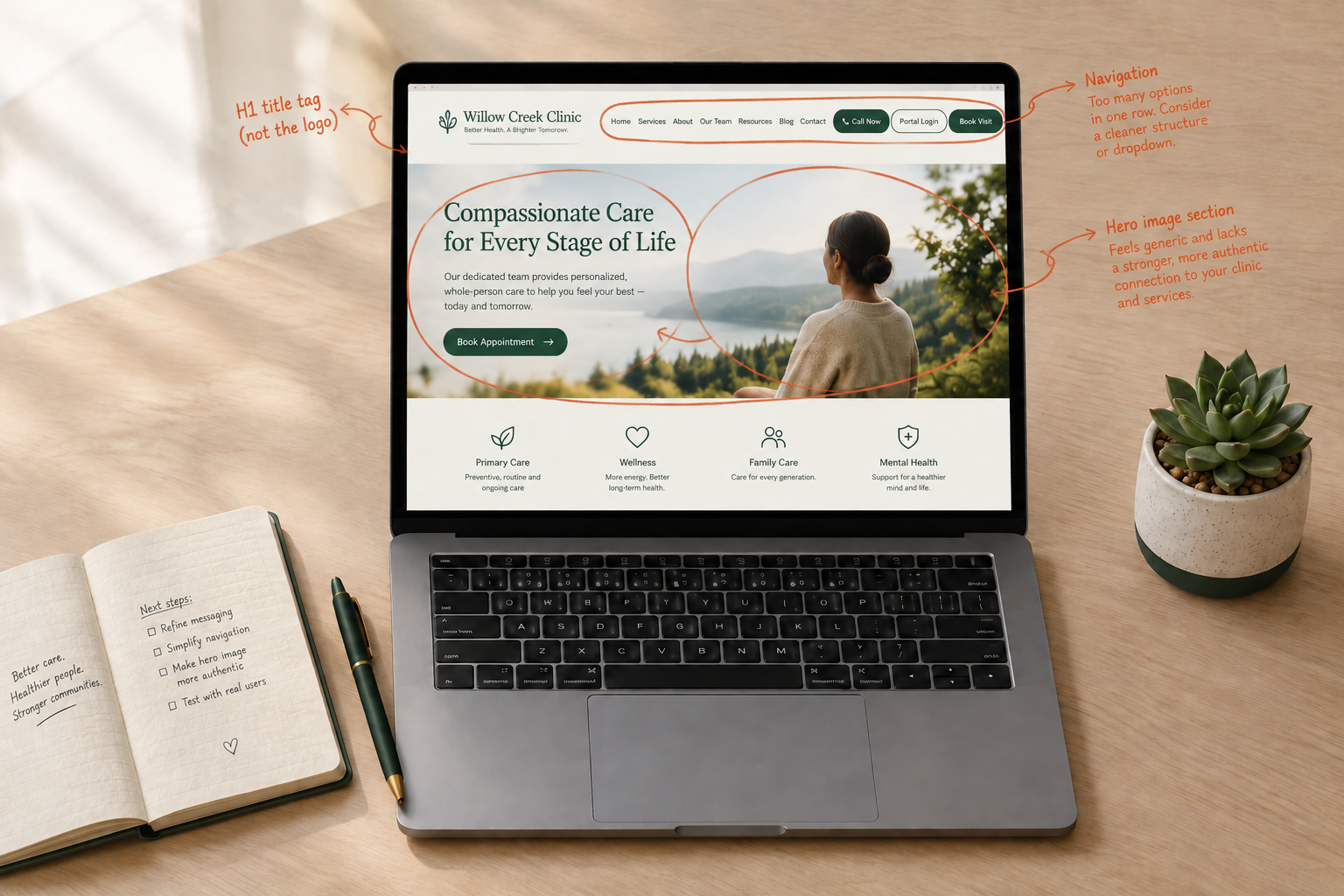
1. A Title Tag That Doesn’t Say What You Do, or Runs Too Long to Show
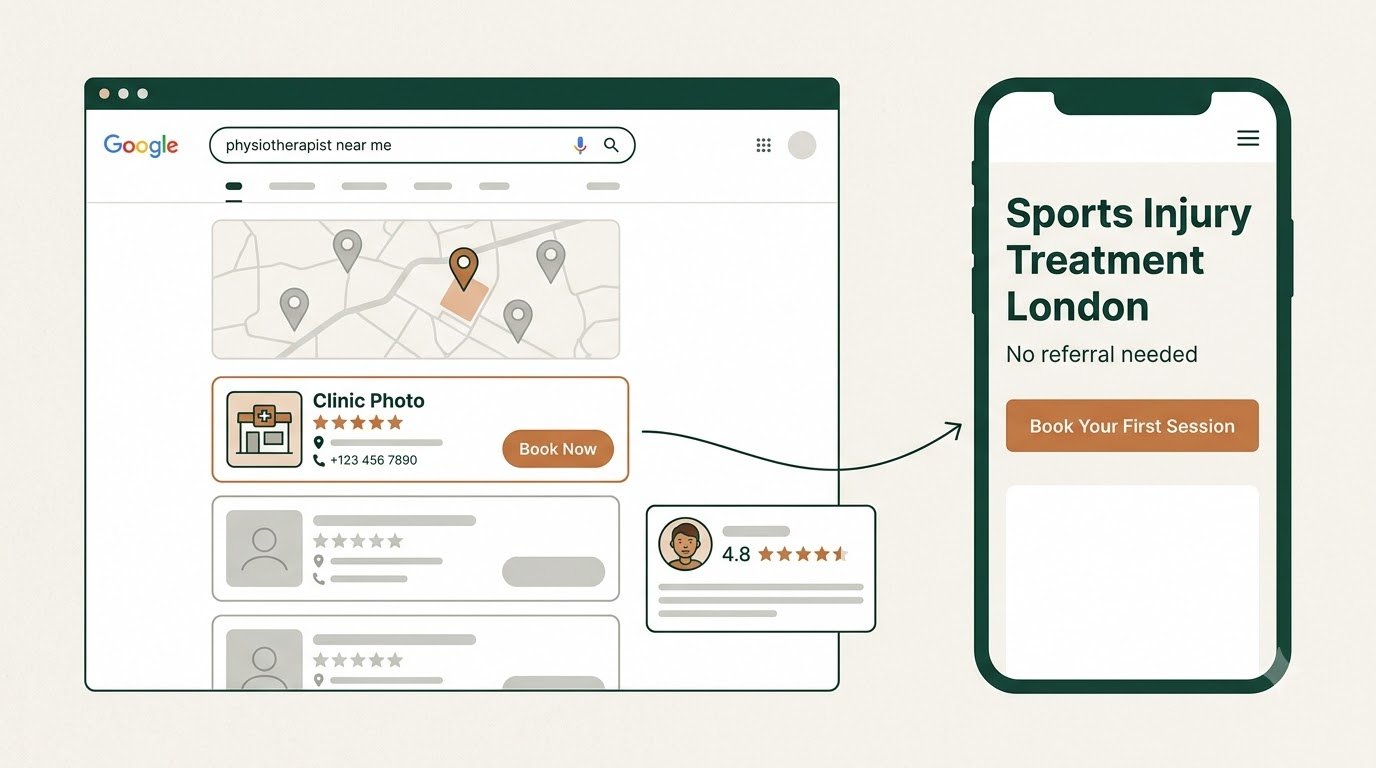
The title tag is the blue link patients see in Google results before they ever reach your site. Two things go wrong here constantly. Either it is just the clinic name with no indication of what you treat or where you are, which wastes the single most valuable piece of text on the page. Or it runs long, sometimes well past 100 characters, and gets cut off mid-sentence in the search results, which looks unfinished and unprofessional before anyone has even clicked.
The fix: keep it to roughly 55 to 60 characters, and use it to say what you treat and where, for example “Sports Massage in Leeds | Your Clinic Name”. That is the difference between a search result that reads as a complete sentence and one that trails off.
2. A Meta Description That’s Missing, Broken, or Fighting Itself
The meta description is the grey text under the title in search results. It does nothing for rankings directly, but it is the single biggest factor in whether someone actually clicks your result over the one next to it. We regularly find clinic sites where this field is empty, so Google pulls a random sentence from the page instead, or where it has clearly been edited awkwardly and now reads as a run-on sentence that does not make grammatical sense. We have also seen sites where two different description tags exist on the same page, one left over from a page builder and one from an SEO plugin, so nobody is sure which one Google is actually using.
The fix: write one clear, complete sentence or two, around 150 to 155 characters, that tells a patient exactly what they will get if they click. Then check your page source for duplicate description tags, since page builders like Elementor and dedicated SEO plugins can both try to write one without you realising.
3. One Generic “Services” Page Covering Everything
This is especially common on multidisciplinary clinics offering physiotherapy, chiropractic, osteopathy or massage together. Someone searching for a chiropractor is in a different headspace to someone searching for a massage, and a single paragraph on a shared services page reassures neither of them properly. Chiropractic visitors in the UK are often still deciding whether the approach is legitimate. Osteopathy visitors frequently do not know what osteopaths actually treat. Massage visitors are usually ready to book and just want to know price, location and availability fast. One blended page answers none of these properly.
The fix: give each discipline its own page, written for what that specific visitor needs to know before they will trust you enough to book.
4. No Visible Registration Body Badge
Patients increasingly check legitimacy before booking, particularly for chiropractic and osteopathy, both of which have real public scepticism to overcome in the UK. A registration badge, GCC for chiropractors, GOsC for osteopaths, HCPC for physiotherapists, a recognised body like CNHC or FHT for massage therapists, does real work in building trust. We still find clinic sites where this information exists nowhere visible, buried in a footer if it appears at all.
The fix: put your registration body and number somewhere a visitor will actually see it, ideally near the practitioner’s name or qualifications, not three clicks deep.
5. A Slow Site, Especially on Mobile
Most clinic website traffic now arrives on a phone, often from someone in pain searching on the go. Render-blocking scripts and stylesheets, usually a side effect of page builders loading more than they need, delay the point where a visitor can actually see and use the page. Industry data has consistently shown mobile abandonment climbing sharply once load time passes a few seconds, and a clinic site that stalls loses that visitor to the next search result before the page has even finished drawing.
The fix: run your site through a speed testing tool and look specifically for render-blocking resources. Often the fix is as simple as removing unused page builder widgets or deferring non-essential scripts.
6. No Single Obvious Next Step
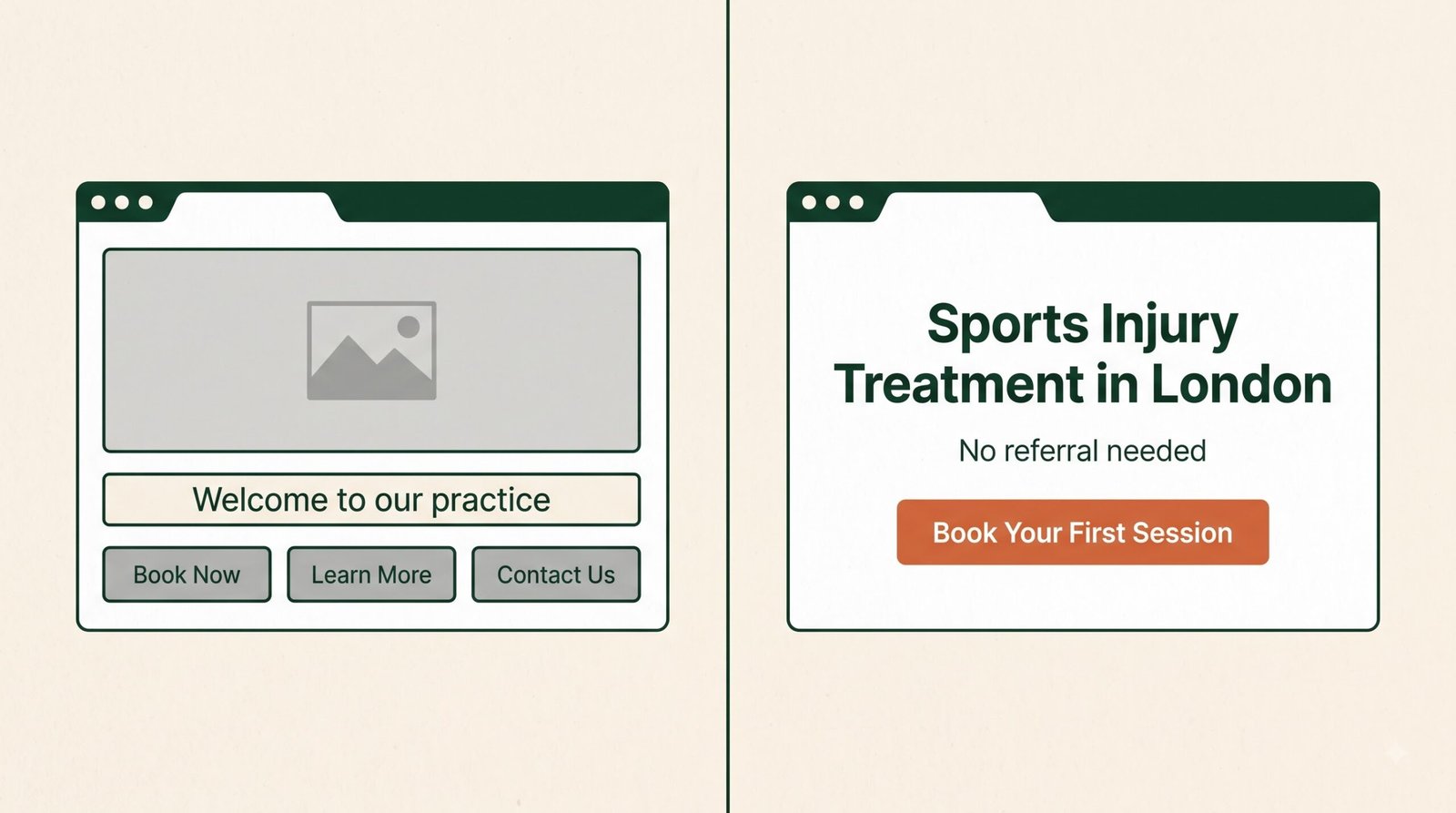
Research on attention and calls to action consistently shows that offering several competing actions, call us, book online, message us, fill out a form, all at once and with equal visual weight, reduces conversions compared with one clear, dominant action. Plenty of clinic sites still present three or four buttons of identical size and colour, leaving the visitor to work out which one actually matters.
The fix: pick the one action you most want a visitor to take, usually online booking, and make it visually dominant. Keep the alternatives available, just smaller and secondary.
7. Stock Photography Instead of the Real Practice
Generic stock photos of smiling models in clinical settings are instantly recognisable as stock, and they quietly undermine trust rather than building it. A real photo of the actual practitioner and the actual treatment room tells a visitor this is a genuine, specific business, not a template. This matters even more for massage therapy, where professionalism and authenticity signals carry extra weight given the more personal nature of the service.
The fix: replace stock imagery with real photos of the practitioners and the space. A phone camera and good natural light will usually beat a polished stock photo for trust.
8. No Answer to “What Happens at My First Appointment”
This is one of the biggest quiet barriers to booking, particularly for chiropractic and osteopathy, where plenty of prospective patients have never experienced a session and are not sure what to expect. A page that jumps straight from “here is what we treat” to “book now” skips over a genuine source of hesitation.
The fix: add a short, plain-English page or section walking through what actually happens in a first session. It removes a real anxiety point and costs very little to write.
9. Weak or Missing Local Signals
With a large share of healthcare-related searches carrying local intent, a clinic site that does not clearly state its full address, opening hours, and areas served, and that does not link to its Google Business Profile, is leaving an easy local SEO win on the table. We still see clinic sites where the address exists only inside a contact form, invisible to both patients and search engines scanning the page text.
The fix: put your full address, hours, and a Google Business Profile link somewhere visible on every page, not just buried on a separate contact page.
10. No FAQ Content
FAQs used to be considered a minor nice-to-have. They are now genuinely important for a different reason: AI-powered search results and chat assistants pull directly from clearly structured question-and-answer content when deciding what to cite. A site with no FAQ section is handing that visibility to whichever competitor does have one.
The fix: add a genuine FAQ section answering the specific questions your own patients actually ask at the front desk, not generic filler questions copied from a template.
11. Reviews That Aren’t Discipline-Specific
On multidisciplinary sites, we often see every review dumped into one shared block regardless of which service it refers to. A visitor researching osteopathy specifically does not get much reassurance from a glowing massage review sitting next to it.
The fix: where possible, group or tag reviews by discipline so a visitor can see proof relevant to the specific service they are considering.
12. Booking Forms With No Visible Privacy or Consent Information
Clinic contact and booking forms collect health-adjacent personal information, which makes them a genuine UK GDPR consideration, not just a formality. We regularly find forms with no link to a privacy policy nearby and no clear statement of what the data will be used for. Beyond the compliance angle, an unclear form like this can itself quietly reduce completions, since some visitors hesitate to submit personal details with no visible explanation of where that information goes.
The fix: link your privacy policy directly from the booking or contact form, and state in one short line what the information will be used for.
In our experience auditing UK clinic sites, most have at least four or five of these at once, usually without realising it, since each one individually seems minor.
Title tags, meta descriptions, page speed and local signals have the most direct effect on search visibility. The others, registration badges, real photography, clear FAQs, mainly affect whether a visitor who does find you actually trusts you enough to book.
Mostly yes, with one addition. Multidisciplinary clinics have the extra risk of blending disciplines onto shared pages, which undersells each one individually.
Several of these, title tags, meta descriptions, adding real photos, writing FAQs, are editable directly in most website platforms without technical help. Page speed and duplicate meta tag issues more often need someone comfortable in the site’s code or plugin settings.
Where to Start
You do not need to fix all twelve at once. Start with whichever is costing you the most right now: if your site barely gets found, prioritise the title tag, meta description, speed and local signals first. If you get traffic but few bookings, focus on the trust and conversion mistakes, registration badges, real photography, a single clear call to action, and the first-appointment explanation.
If you want a clear picture of exactly which of these your own site has, PhysioWebCare’s free Clinic Visibility Snapshot checks your site against competitors nearby and flags which of these issues apply to you specifically. You can also run through our website checklist, or see what ongoing fixes look like as ongoing work through the Grow plan.